| Version 6 (modified by , 5 years ago) ( diff ) |
|---|
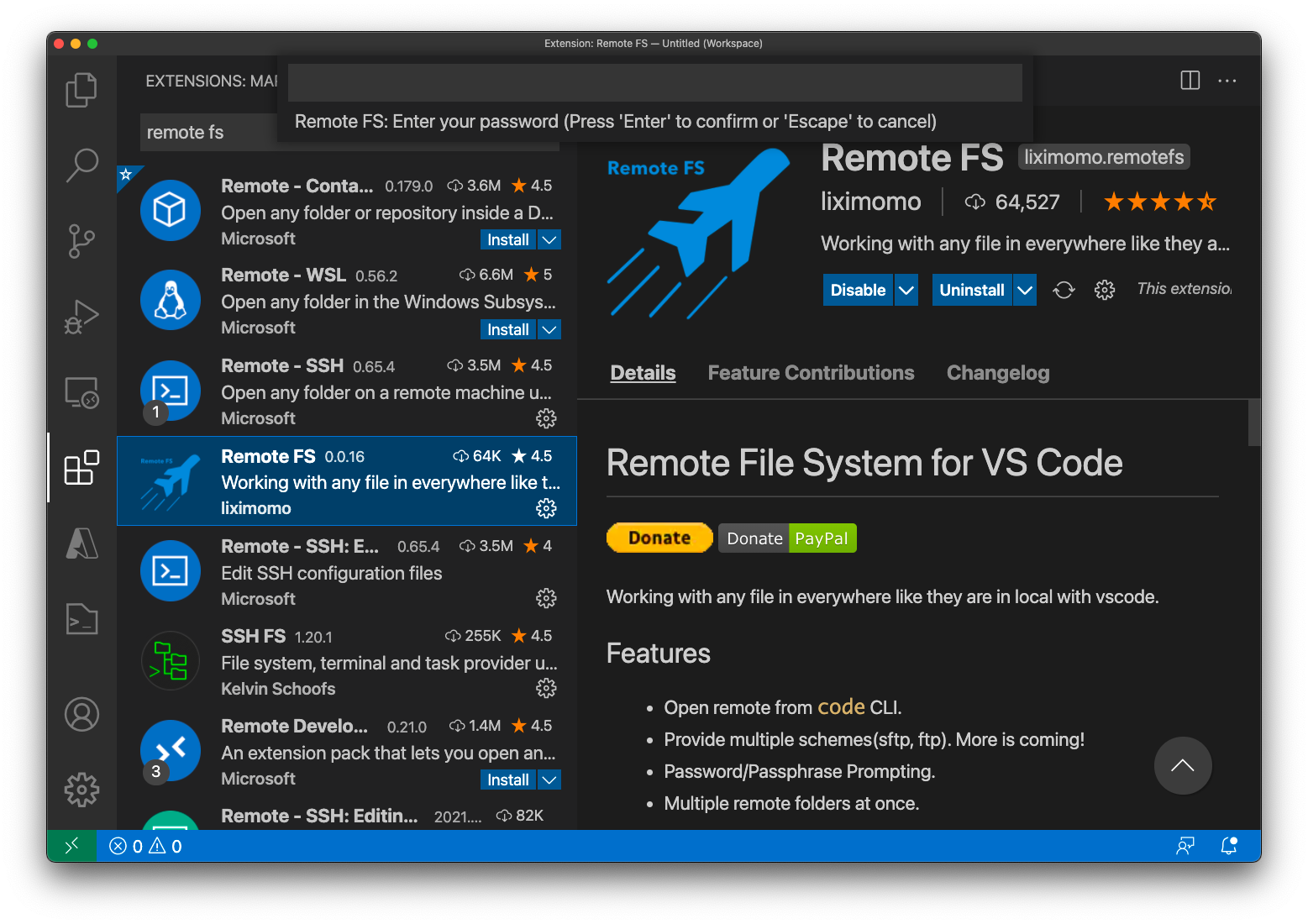
Remote Development with VSCode
Visual Studio Code is a freeware source-code editor made by Microsoft for Windows, Linux and macOS.

Setup Remote FS
- Open User Settings.
- On Windows/Linux - File > Preferences > Settings
- On macOS - Code > Preferences > Settings
- Add your remote configs to "remotefs.remote" in your User Settings.
    "remotefs.remote": {
        "cypress-home": {
            "scheme": "sftp",
            "host": "cypress.tulane.edu",
            "username": "YOUR USER ID",
            "rootPath": "/home/YOUR_HOME"
        },
        "cypress-lustre": {
            "scheme": "sftp",
            "host": "cypress.tulane.edu",
            "username": "YOUR USER ID",
            "rootPath": "/lustre/project/YOUR_PROJECT_DIR"
        }
    }
- Cmd+Shift+P open command palette(Ctrl+Shift+P on Windows/Linux), run Remote FS: Add Folder to Workspace command.
Attachments (1)
- Screen Shot 2021-05-19 at 2.28.03 PM.png (478.1 KB ) - added by 5 years ago.
Download all attachments as: .zip
Note:
See TracWiki
for help on using the wiki.